Django Admin
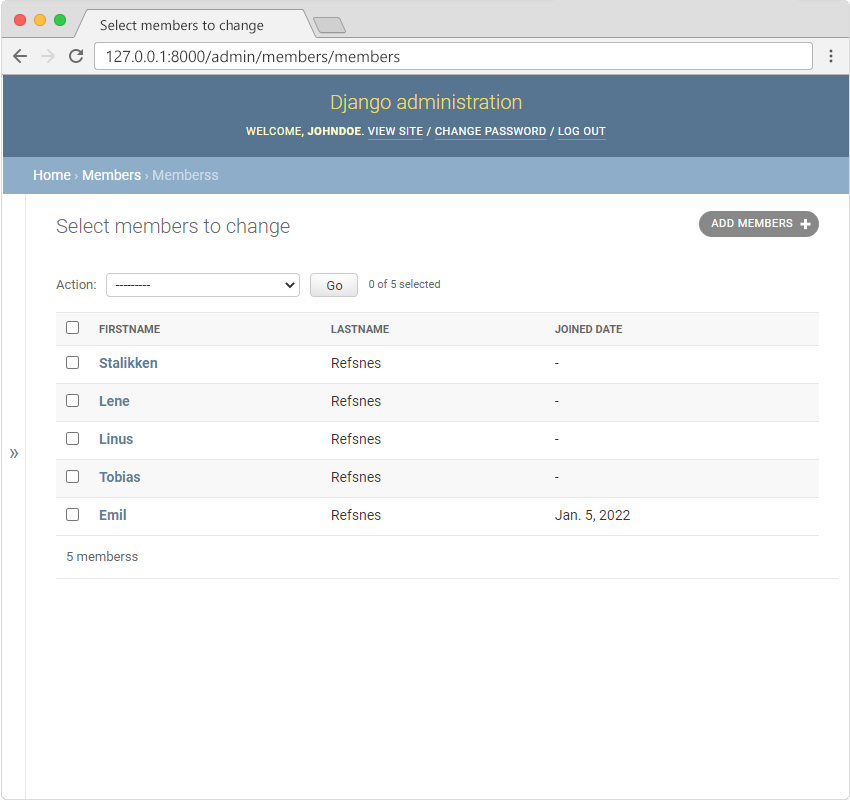
Django Admin is a really great tool in Django, it is actually a CRUD* user interface of all your models!
Note: *CRUD stands for Create Read Update Delete.
It is free and comes ready-to-use with Django:
Getting Started
To enter the admin user interface, start the server by navigating to the /myworld/my-tennis-club/ folder and execute this command:
python manage.py runserver
In the browser window, type 127.0.0.1:8000/admin/ in the address bar.
The result should look like this:
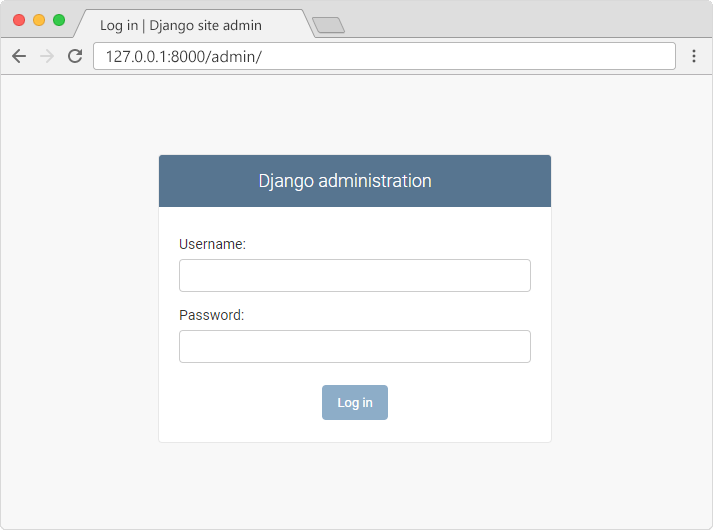
The reason why this URL goes to the Django admin log in page can be found in the urls.py file of your project:
from django.contrib import admin
from django.urls import include, path

urlpatterns = [
    path('', include('members.urls')),
    path('admin/', admin.site.urls),
]
The urlpatterns[] list takes requests going to admin/ and sends them to admin.site.urls, which is part of a built-in application that comes with Django, and contains a lot of functionality and user interfaces, one of them being the log-in user interface.
