Create User
To be able to log into the admin application, we need to create a user.
This is done by typing this command in the command view:
python manage.py createsuperuser
Which will give this prompt:
Username:
Here you must enter: username, e-mail address, (you can just pick a fake e-mail address), and password:
Username: johndoe
Email address: johndoe@dummymail.com
Password:
Password (again):
This password is too short. It must contain at least 8 characters.
This password is too common.
This password is entirely numeric.
Bypass password validation and create user anyway? [y/N]:
My password did not meet the criteria, but this is a test environment, and I choose to create user anyway, by enter y:
Bypass password validation and create user anyway? [y/N]: y
If you press [Enter], you should have successfully created a user:
Superuser created successfully.
Now start the server again:
python manage.py runserver
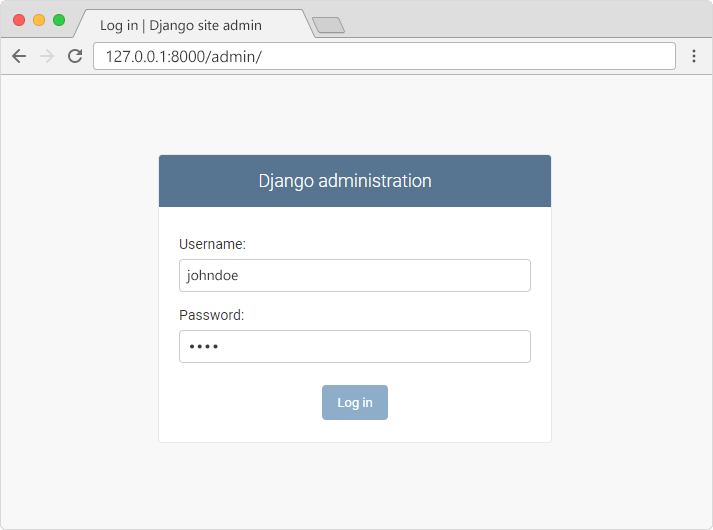
In the browser window, type 127.0.0.1:8000/admin/ in the address bar.
And fill in the form with the correct username and password:
Which should result in this user interface:
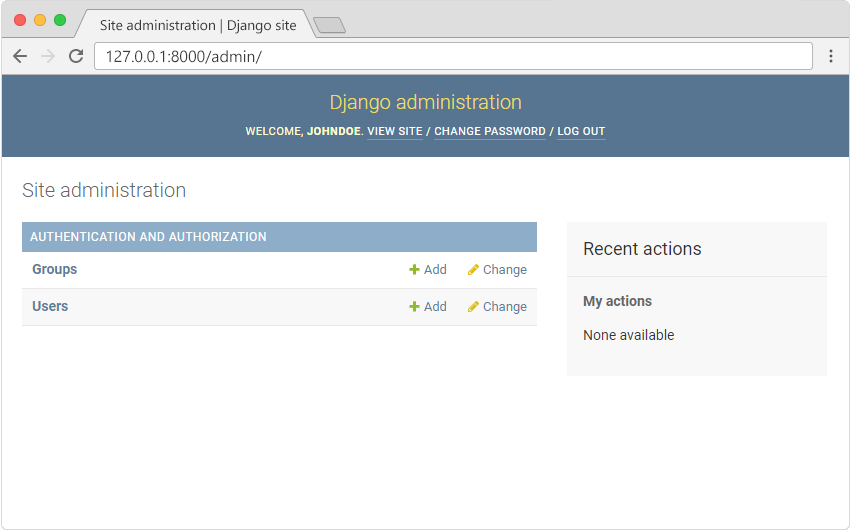
Here you can create, read, update, and delete groups and users, but where is the Members model?
Missing Model
The Members model is missing, as it should be, you have to tell Django which models that should be visible in the admin interface.
You will learn how to include the Members model in the next chapter.
