Add Members
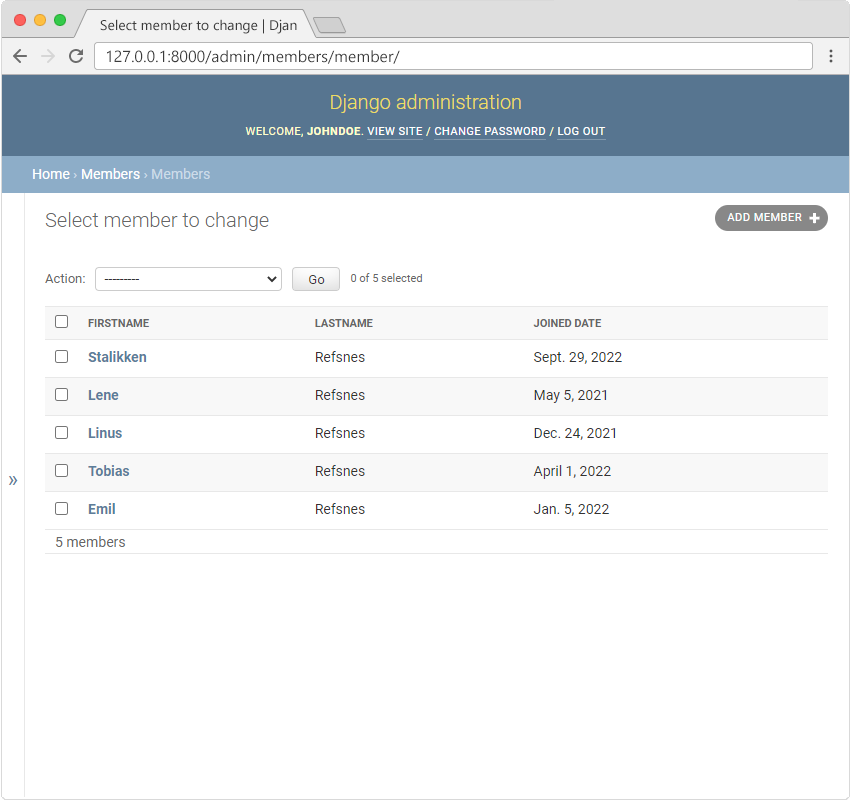
To add a new member, click on the "ADD MEMBER" button in the top right corner:
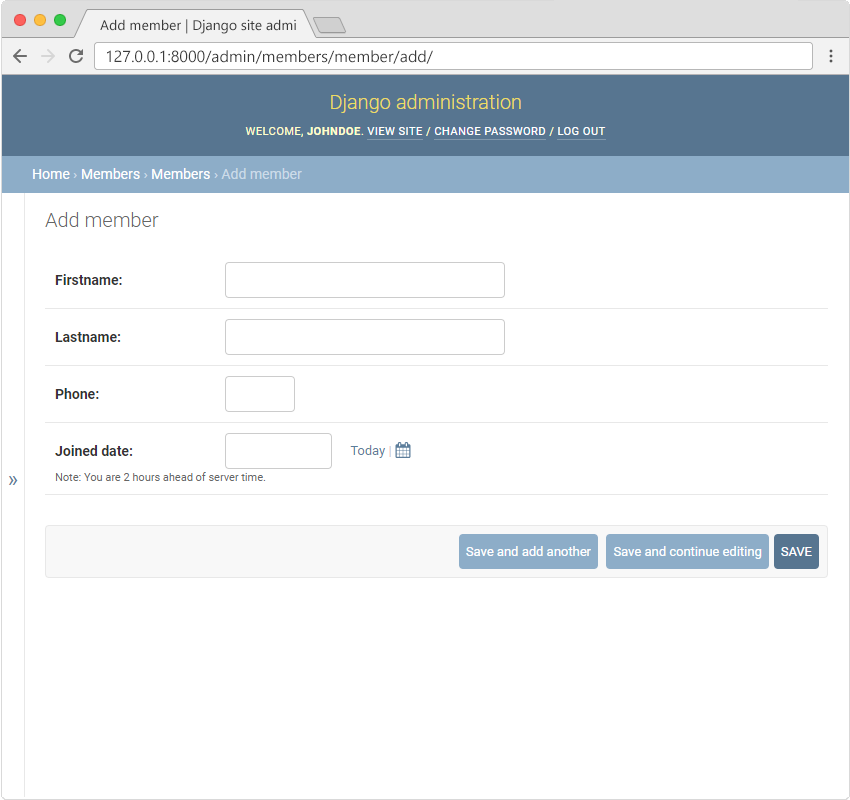
You will get an empty form where you can fill in the members fields:
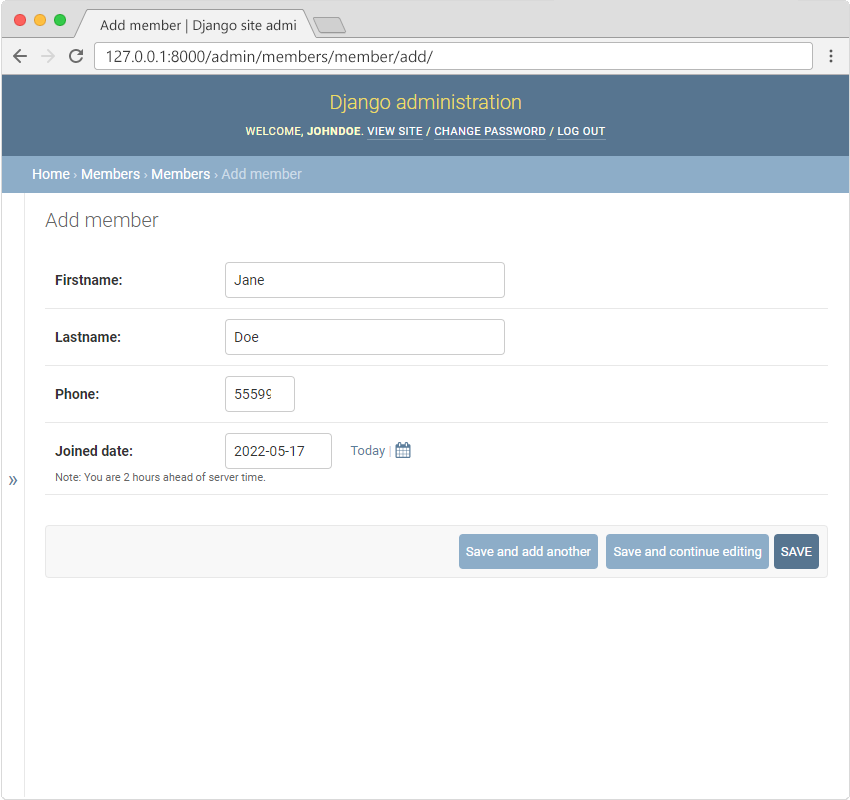
Fill in the fields and click "SAVE":
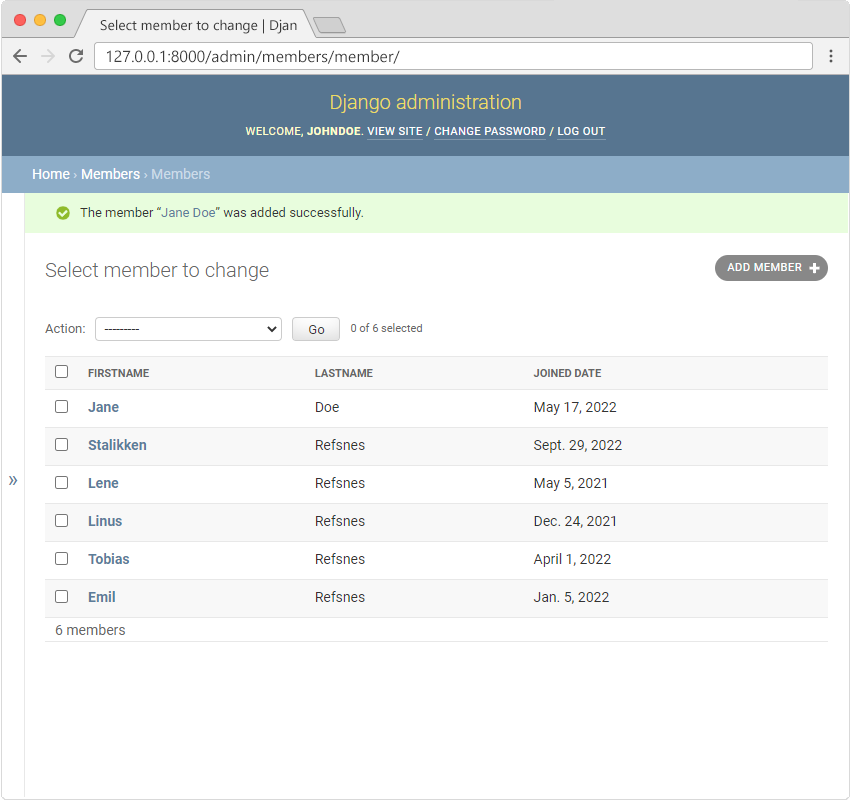
Now the Members Model have 6 members:
To add a new member, click on the "ADD MEMBER" button in the top right corner:
You will get an empty form where you can fill in the members fields:
Fill in the fields and click "SAVE":
Now the Members Model have 6 members:
Join CodingNow 2.0's Django course — live mentorship, real projects, and 100% placement support.
Enroll Now — Free Demo AvailableQuick answers about learning Add Members in Django.
