Delete Members
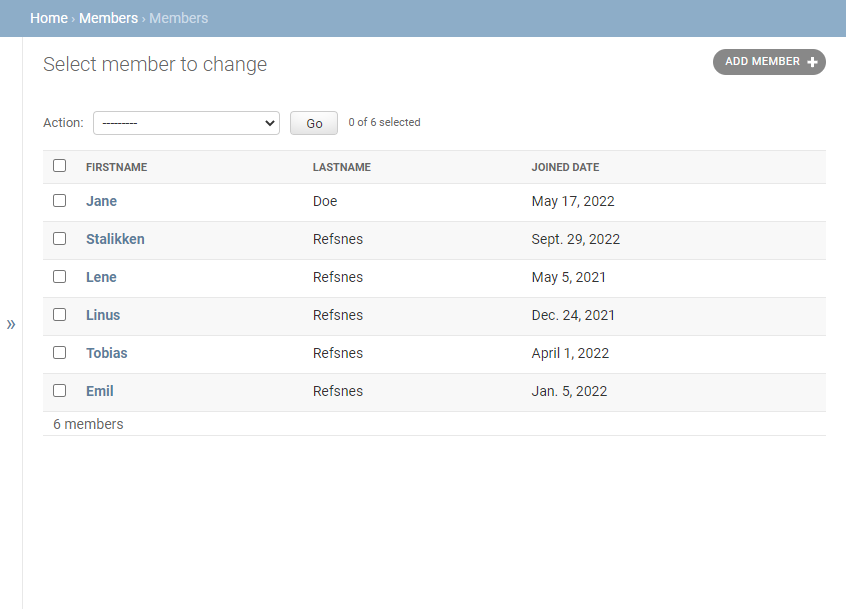
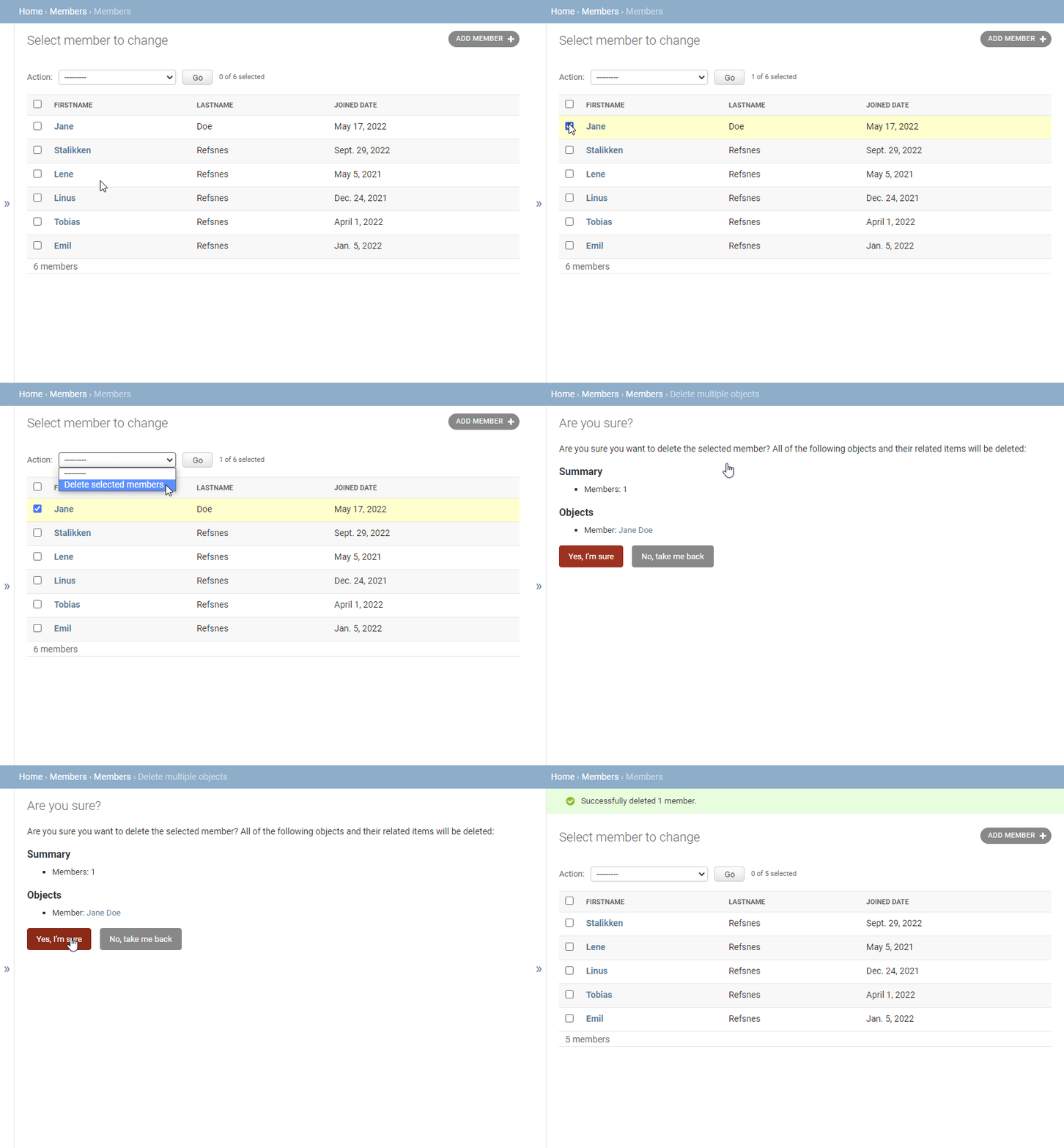
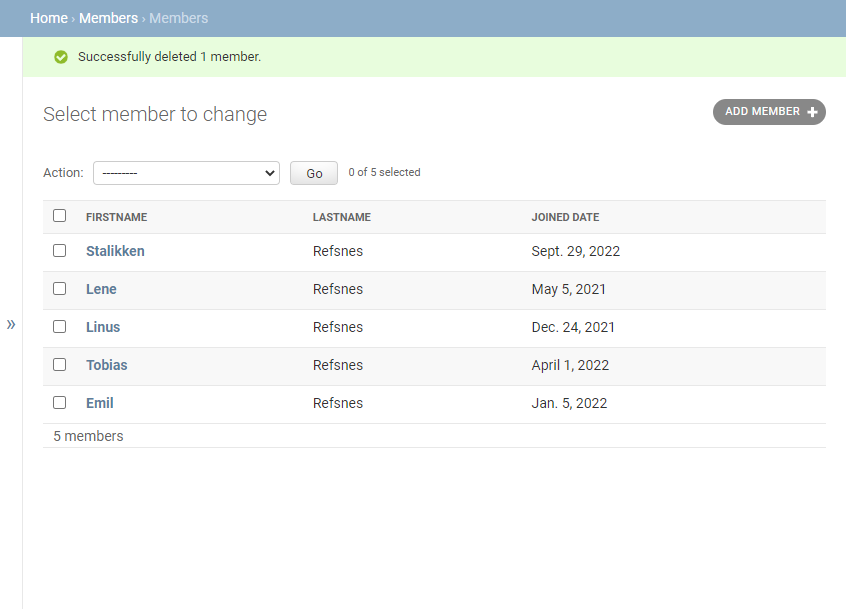
To delete a new member, you can either select a member and choose the action "Delete selected members" like this:
Run Demo
Or you can open a member for editing, and click the red DELETE button at the bottom, like this:
Run Demo
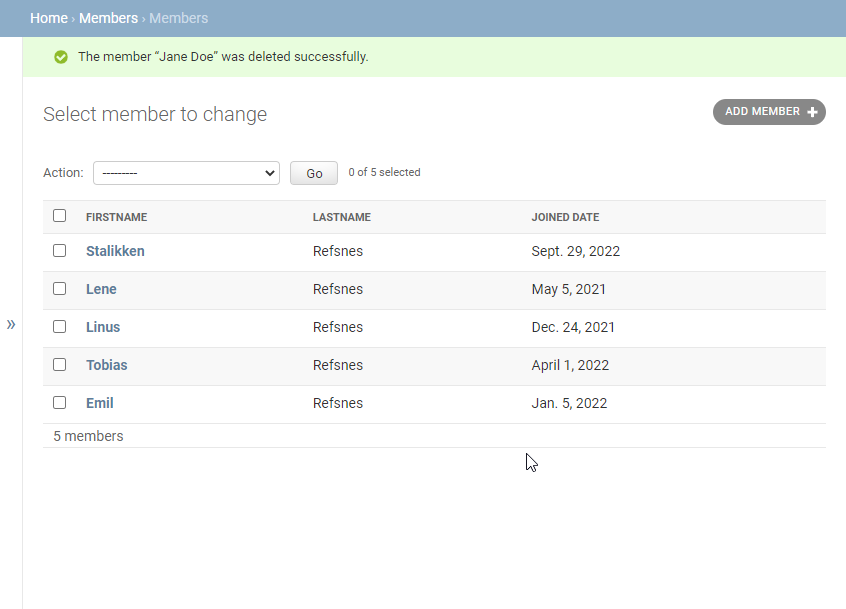
To delete a new member, you can either select a member and choose the action "Delete selected members" like this:
Run Demo
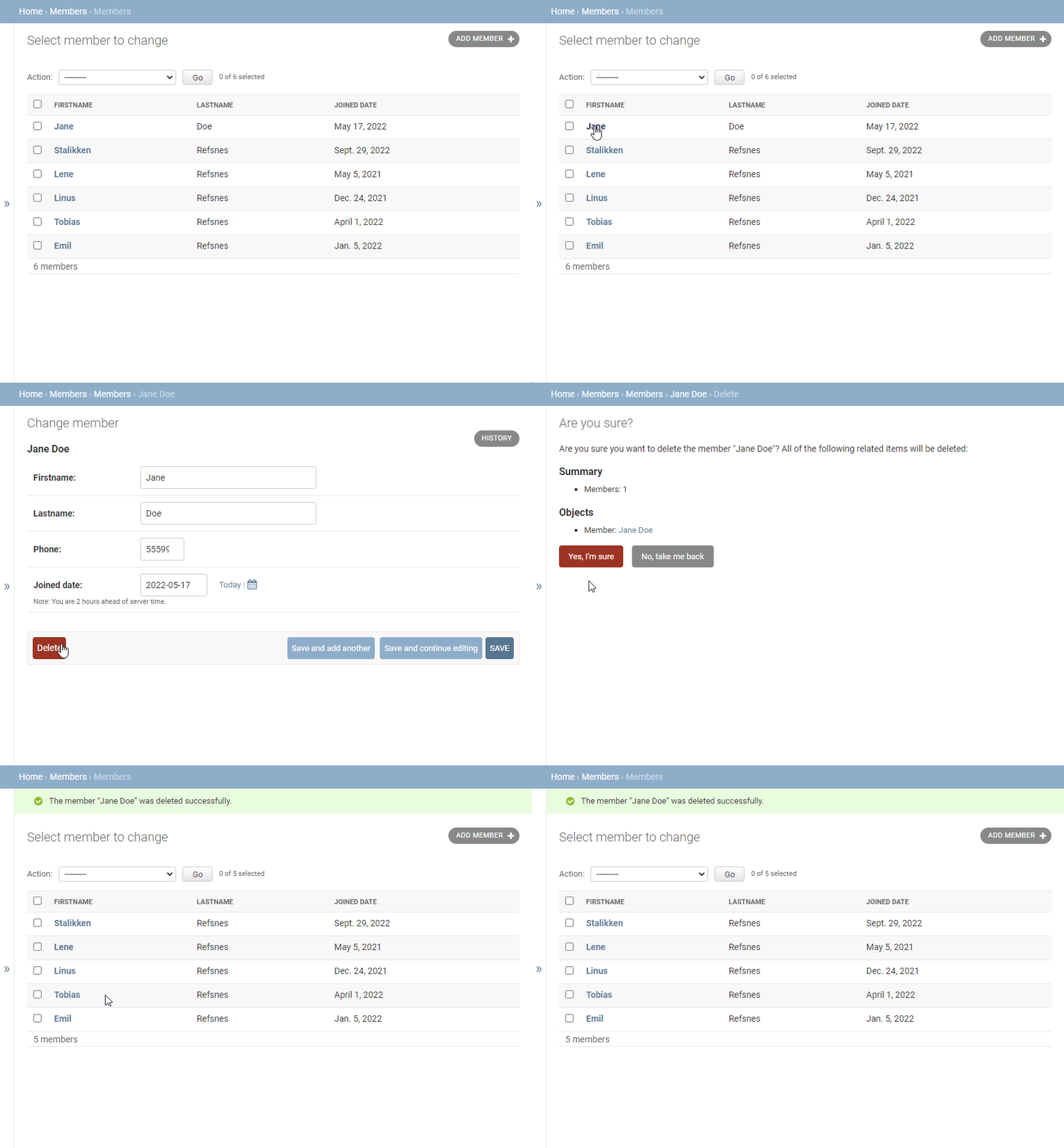
Or you can open a member for editing, and click the red DELETE button at the bottom, like this:
Run Demo
Join CodingNow 2.0's Django course — live mentorship, real projects, and 100% placement support.
Enroll Now — Free Demo AvailableQuick answers about learning Delete Members in Django.
