Download PostgreSQL
To install PostgreSQL locally on your computer, visit the installer by EDB, and download the newest version compatible with your operating system.
I will choose the newest Windows version:
Start the Install
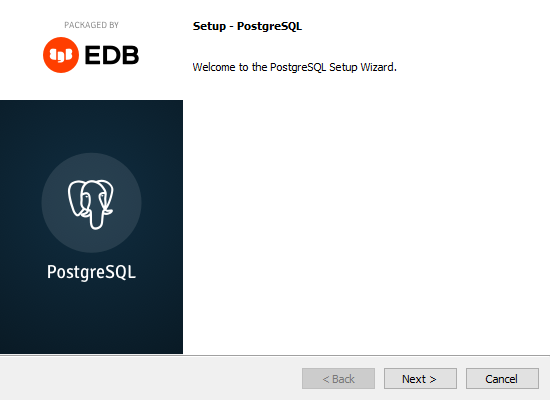
When the downloading is complete, double click the downloaded file and start the installation:
Specify Directory
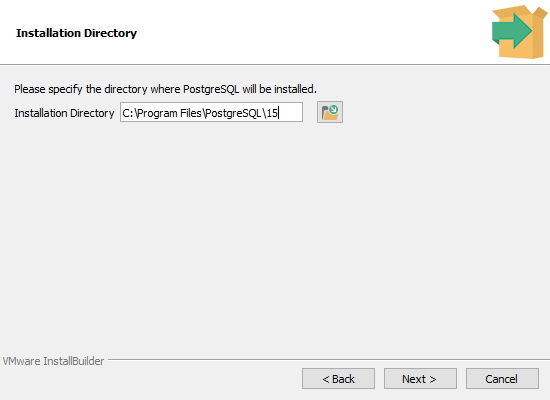
You can specify the location of PostgreSQL, I will go with the default choice:
Select Components
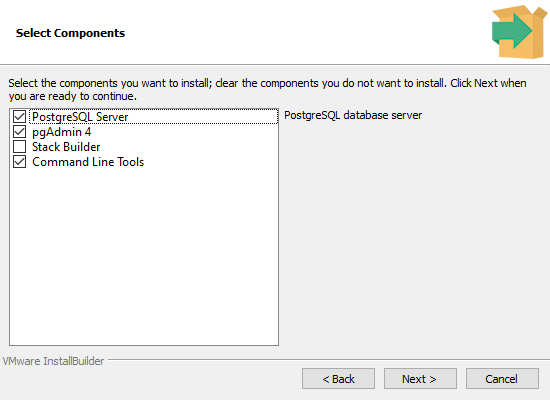
To use PostgreSQL, you will need to install the PostgreSQL Server. In this tutorial we will also use the pgAdmin 4 component, and the Command Line Tools:
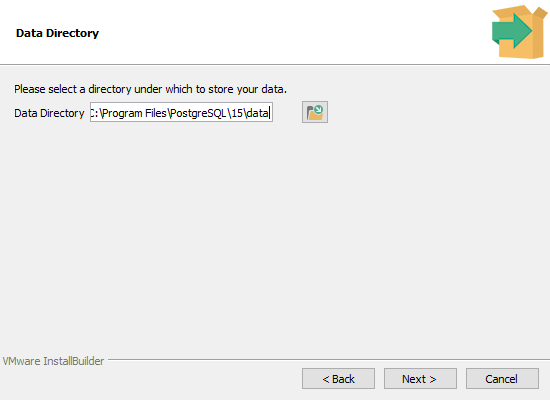
Storage Directory
You can also choose where to store the database data, I will go with the default choice:
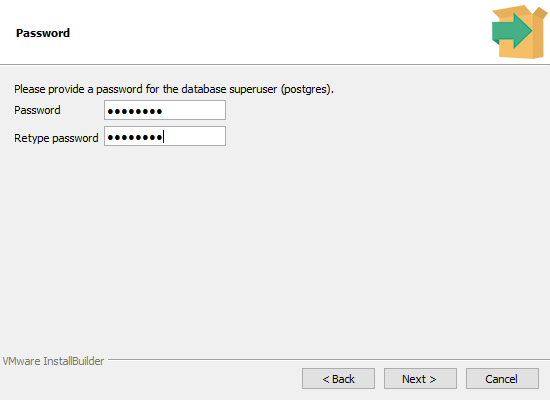
Select Password
You will have to select a password to get access to the database. Since this is a local database, with no incoming connection, I will choose the password 12345678:
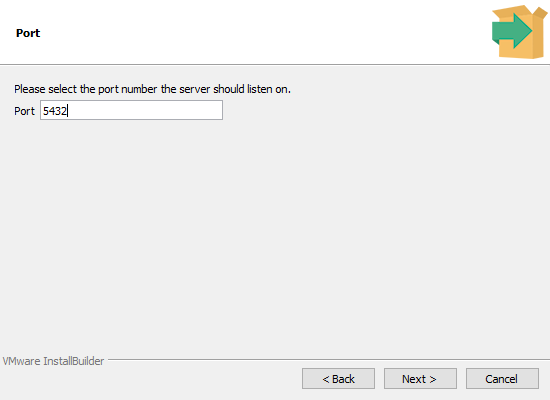
Select Port
You can set the port the server should listen on, I will go with the default choice:
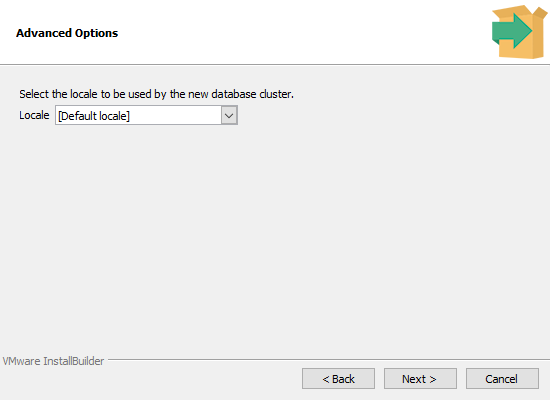
Select Locale
Select the geographically location of the database server:
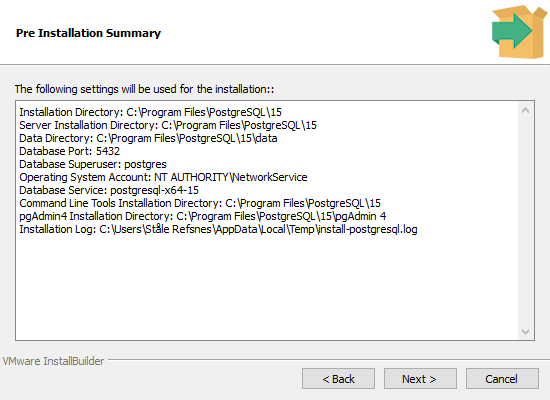
Final Check
If everything looks OK, click 'Next' to continue:
Start Installation:
Click 'Next' to start the installation:
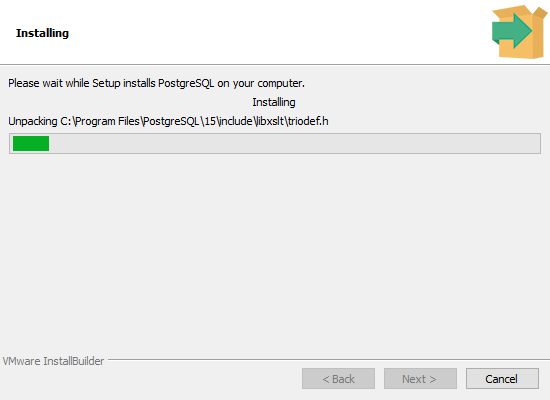
Installing
This can take a while, please wait.
Complete!
Now you have installed PostgreSQL on your computer, and in the next chapter you will start using it!