Connect to the Database
To create a new database table using the SQL Shell, make sure you are connected to the database. If not, follow the steps in the Get Started chapter of this tutorial.
Once you are connected, you are ready to write SQL statements!
Create Table
The following SQL statement will create a table named cars in your PostgreSQL database:
CREATE TABLE cars (
  brand
VARCHAR(255),
  model
VARCHAR(255),
  year INT
);
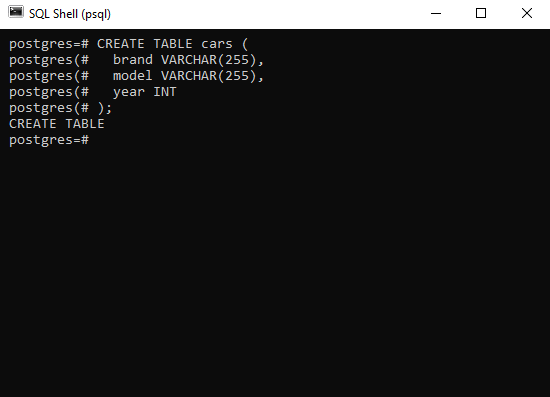
When you execute the above statement, an empty table named cars will be created, and the SQL Shell application will return the following:
CREATE TABLE
In the SQL Shell application on your computer the operation above might look like this:
SQL Statement Explained
The above SQL statement created an empty table with three fields: brand, model, and year.
When creating fields in a table we have to specify the data type of each field.
For brand and model we are expecting string values, and string values are specified with the VARCHAR keyword.
We also have to specify the number of characters allowed in a string field, and since we do not know exactly, we just set it to 255.
For year we are expecting integer values (numbers without decimals), and integer values are specified with the INT keyword.
Display Table
You can "display" the empty table you just created with another SQL statement:
SELECT * FROM cars;
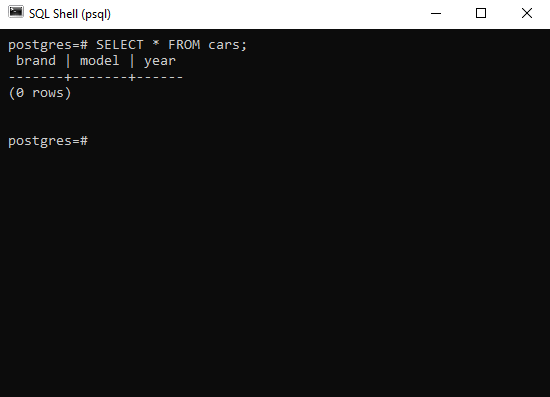
Which will give you this result:
 brand | model | year
-------+-------+------
(0 rows)
In the SQL Shell application on your computer the operation above might look like this:
In the next chapters we will learn how to insert data into a table, and also more on how to retrieve data from a table.
